
Purpose and scope
The App Store provides access to a set of third-party integrations and Premium add-ons that you can configure and manage. This article provides a step-by-step guide on how to configure and manage Perfion, which is listed in the Add-ons / Third Party section of the App Store.
Read Understanding Product Information Systems for a description of how the integration works.
Assumptions
-
You are responsible for maintaining an active Perfion account.
-
Any costs associated with using your Perfion account are your responsibility.
Step by step
Assumptions
-
You are logged into the Management Interface.
-
You have previously installed the app; read How to use the App Store for more information.
-
You already have a Perfion account set up with the relevant data uploaded.
Step 1: Open App Store
Open
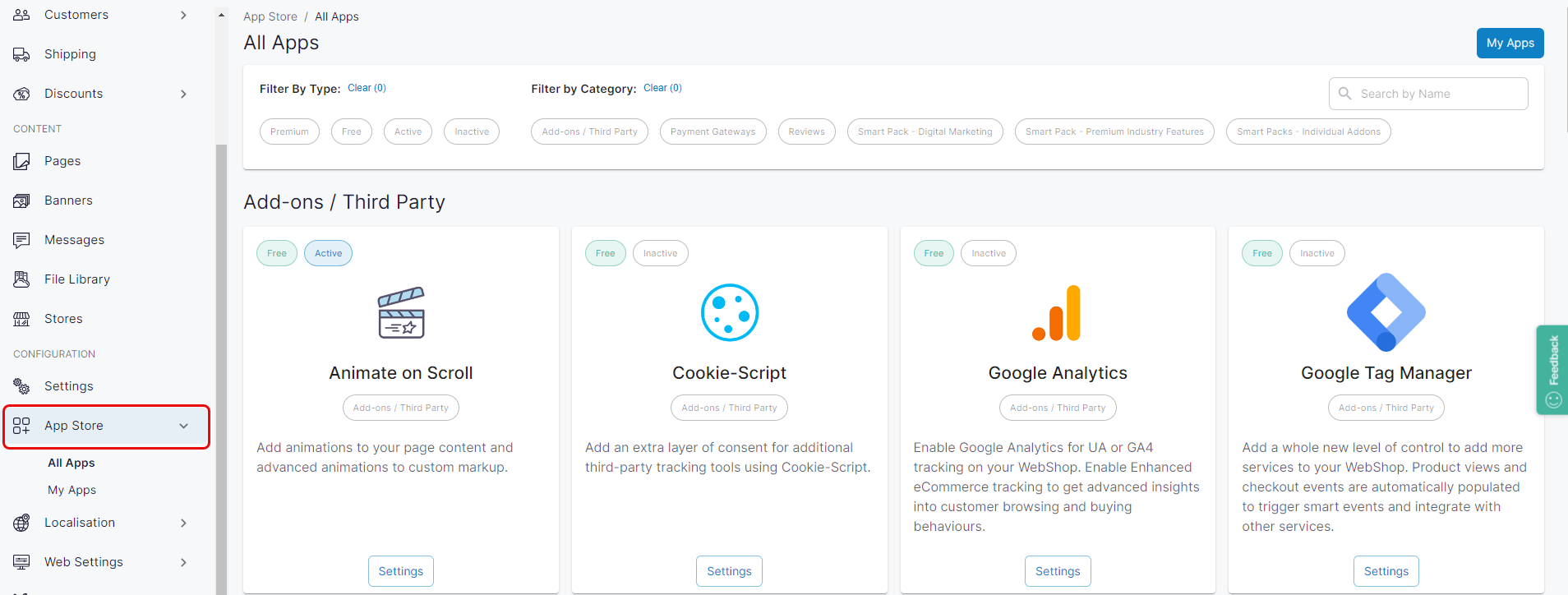
Click App Store under Configuration on the left side menu. The App Store is displayed.
Step 2: Configure and manage
Configure & manage
Locate the Perfion app, which is listed in the Add-ons/Third Party section of the App Store. The apps included in this category are available as part of the standard Digital Commerce product. Each third-party add-on is activated and managed differently.
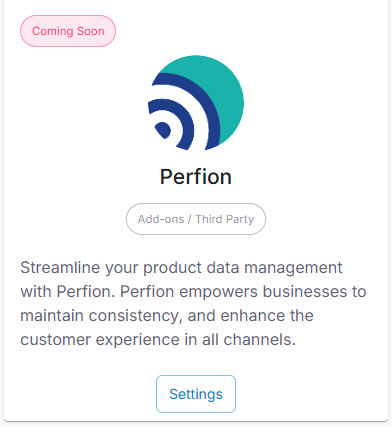
Select Settings under Perfion.
Contact your onboarding consultant for help with setting up the Perfion app.
What does my customer see in WebShop?