
Introduction
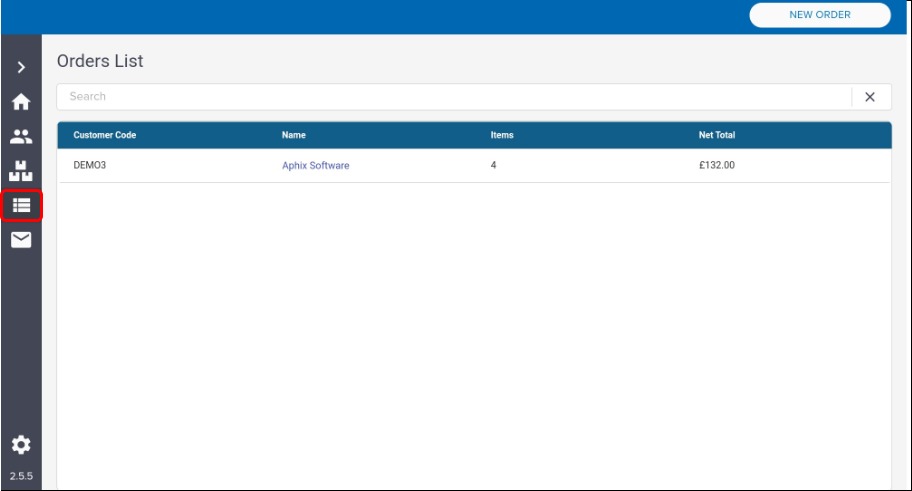
The orders list screen displays a list of any orders that have been created but have yet to be submitted to your ERP.
How it fits together
The orders list screen displays a list of any orders that have been created but have yet to be submitted to your ERP.
Actions available
-
Search for specific open orders, either using the search option, filter the list or by browsing through the order list,
-
View key information about each open order, including customer code, name, number of items currently in the order and the current net total of the order,
-
Open an existing order to view its details and to place that order in your ERP.