
Introduction
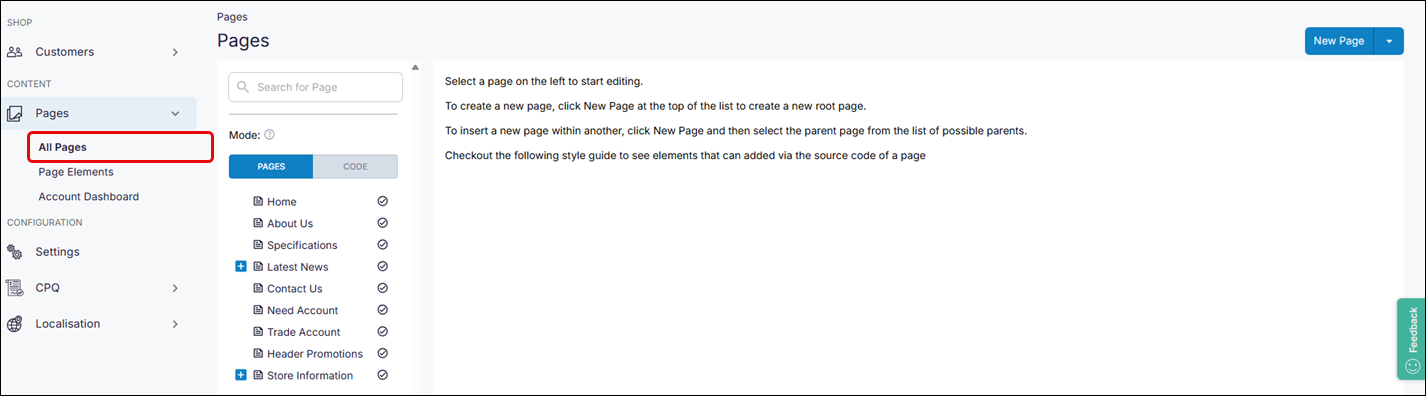
The Pages screen displays a listing of your existing CPQ Dealer Portal pages, blocks, and links.
How it fits together
The Pages option displays a navigational tree of your existing pages. By default, the All Pages screen is displayed when you select Pages.
Actions available
Contact our support team for help with creating and linking new content in your CPQ Dealer Portal.