
Purpose
To provide a step by step guide on how to remove social media links from my product pages in WebShop.
Step by step
Step 1: Log into Management Interface
Log in
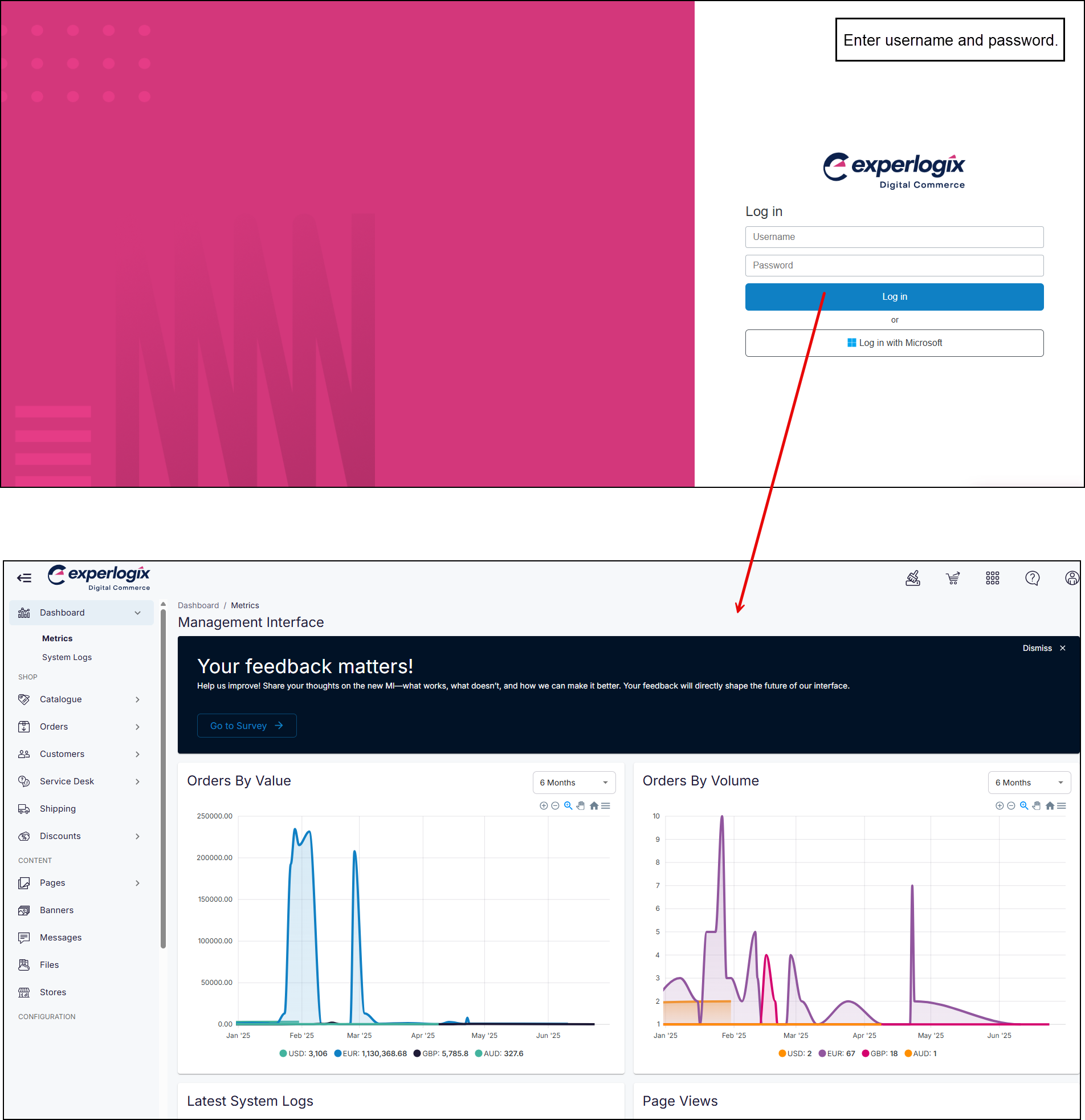
Enter your username and password, and select Log in. This opens the Management Interface on your Dashboard.
Step 2: Open Settings
Open
-
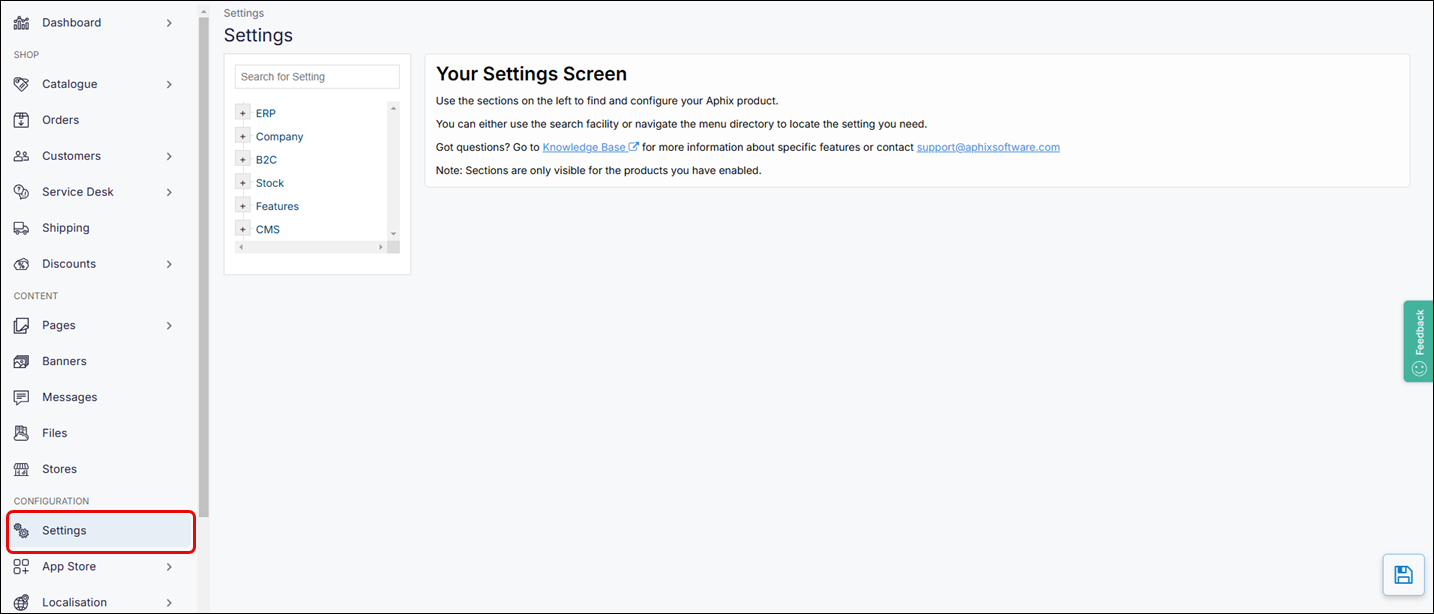
Select Settings on the left-hand menu . This opens the configuration area of the Management Interface.
Step 3: Find and update setting
Find and update
-
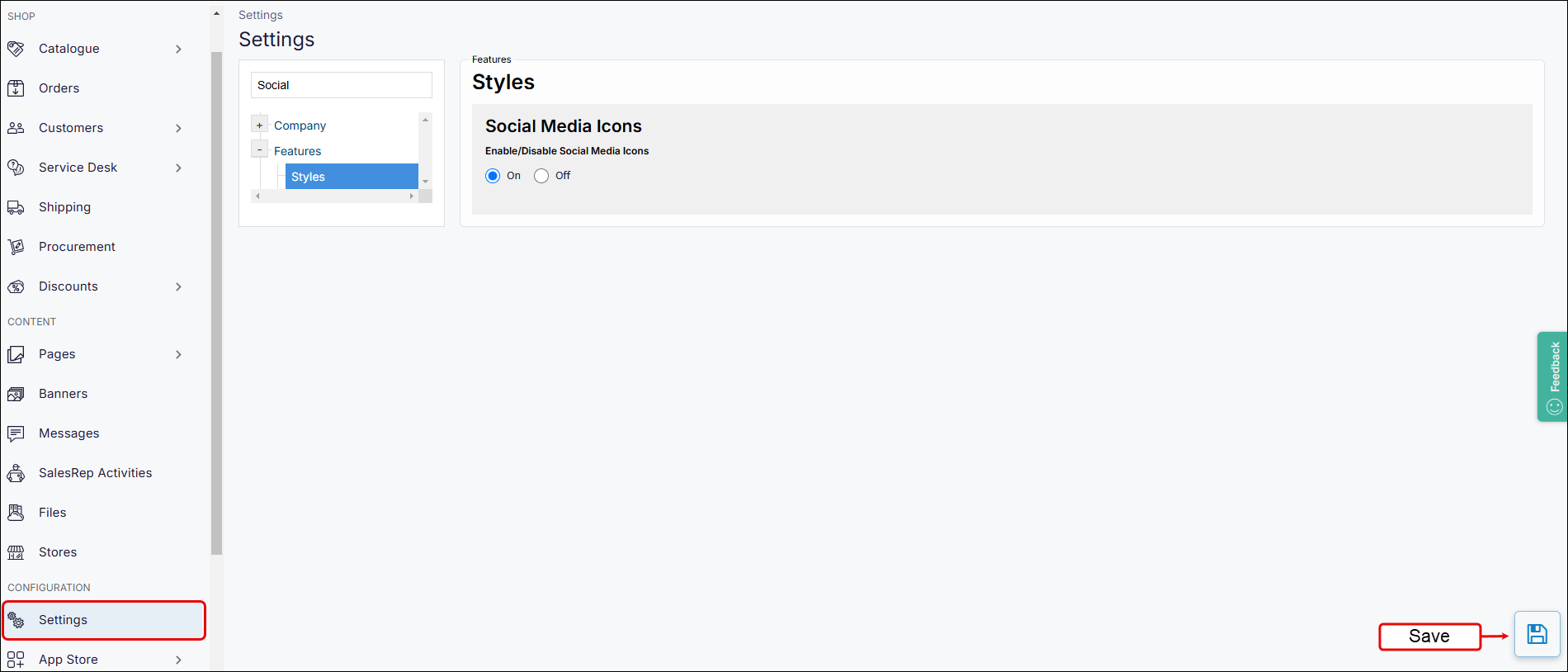
Find the setting, by searching for “Social” or browsing the directory to Features → Styles.
-
Set radio button to “Off“.
-
Click Save.
Saved changes are immediately visible on WebShop.
What will my customer see in WebShop?
See
-
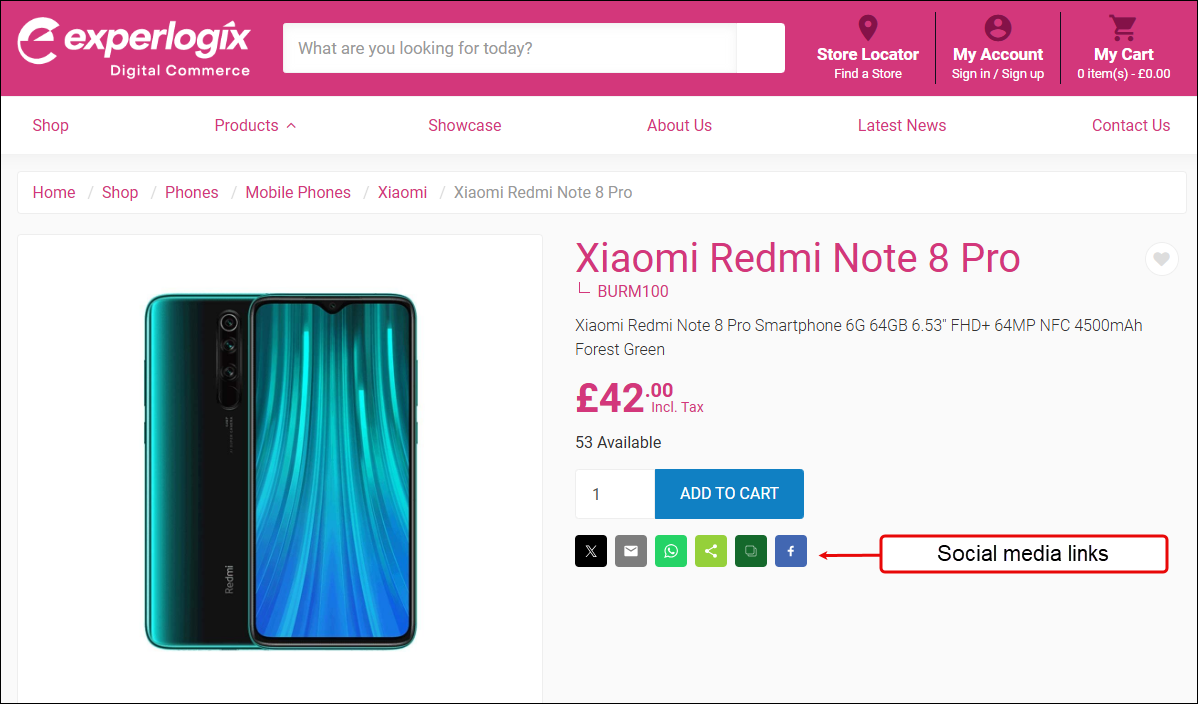
When Social Media icons are enabled, the product page contains links to your social media links, as shown:
-
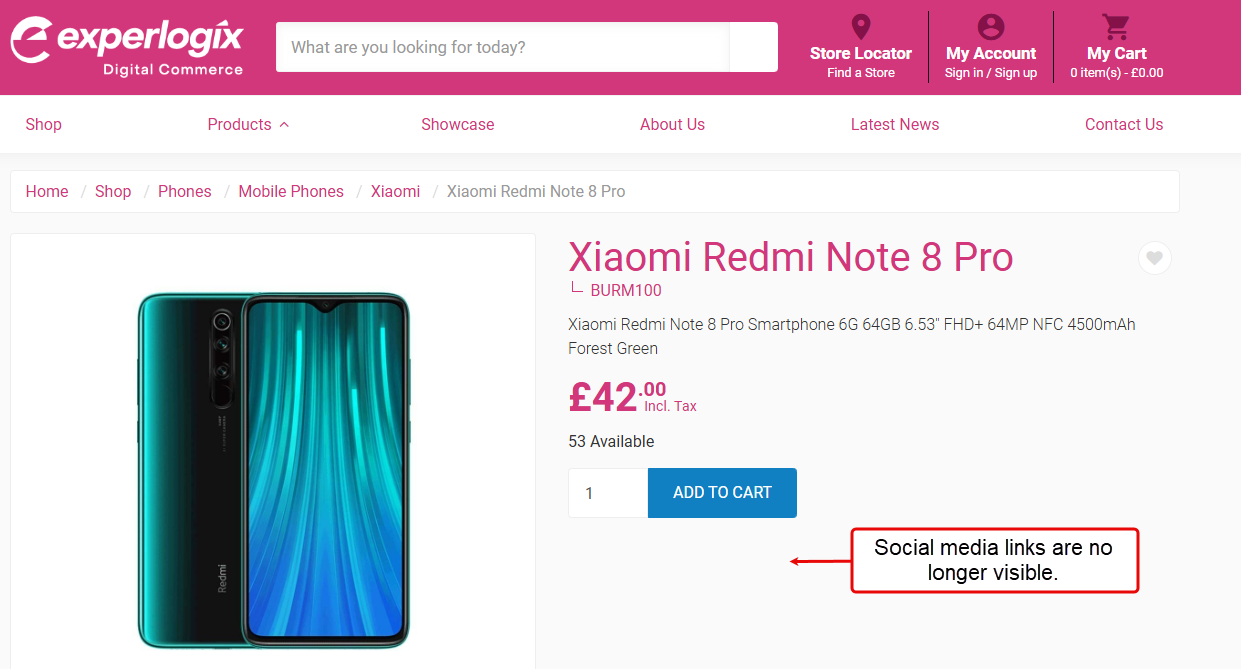
When Social Media icons are disabled, social media links on your product page care no longer visible, as shown:
Key points
-
You can enable and disable visibility of social medias links displayed on WebShop product pages.
-
This does not impact the social media links contained in WebShop’s Header and Footer.