
Purpose and scope
Category management is built on top of the product import functionality. It allows you to categorize your products by brand, type or any other category you want to use. This gives you power and flexibility to display your products in a way that makes sense for your business processes. The category management configuration tool allows you to:
-
Create, edit, delete and/or make other changes to individual categories
-
Use the category import / export spreadsheet feature
More information
See Understanding category management in WebShop for information on the content of each tabs.
Step by step
Step 1: Log into Management Interface
Log in
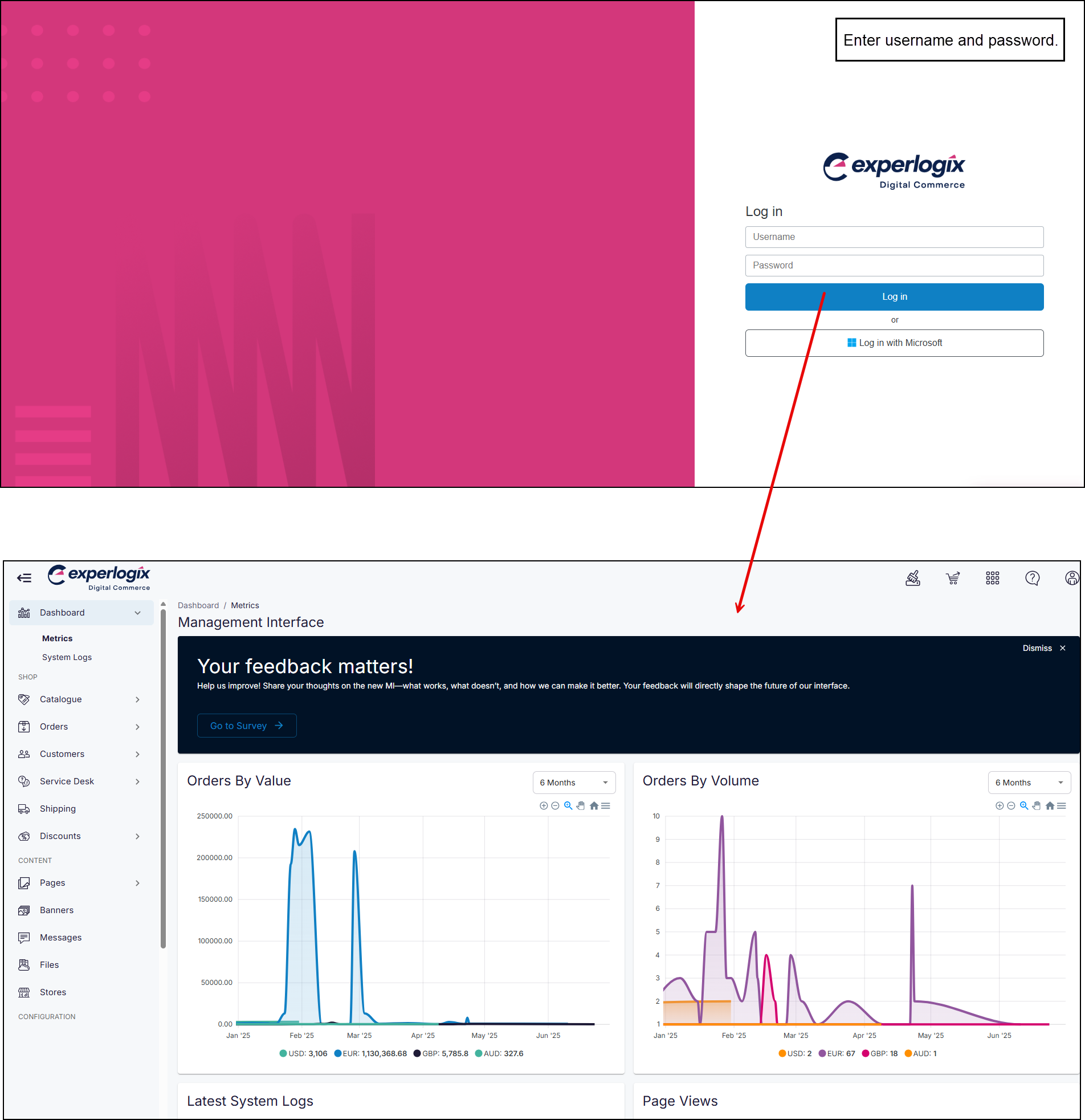
Enter your username and password, and select Log in. This opens the Management Interface on your Dashboard.
Step 2: Open Categories
Open
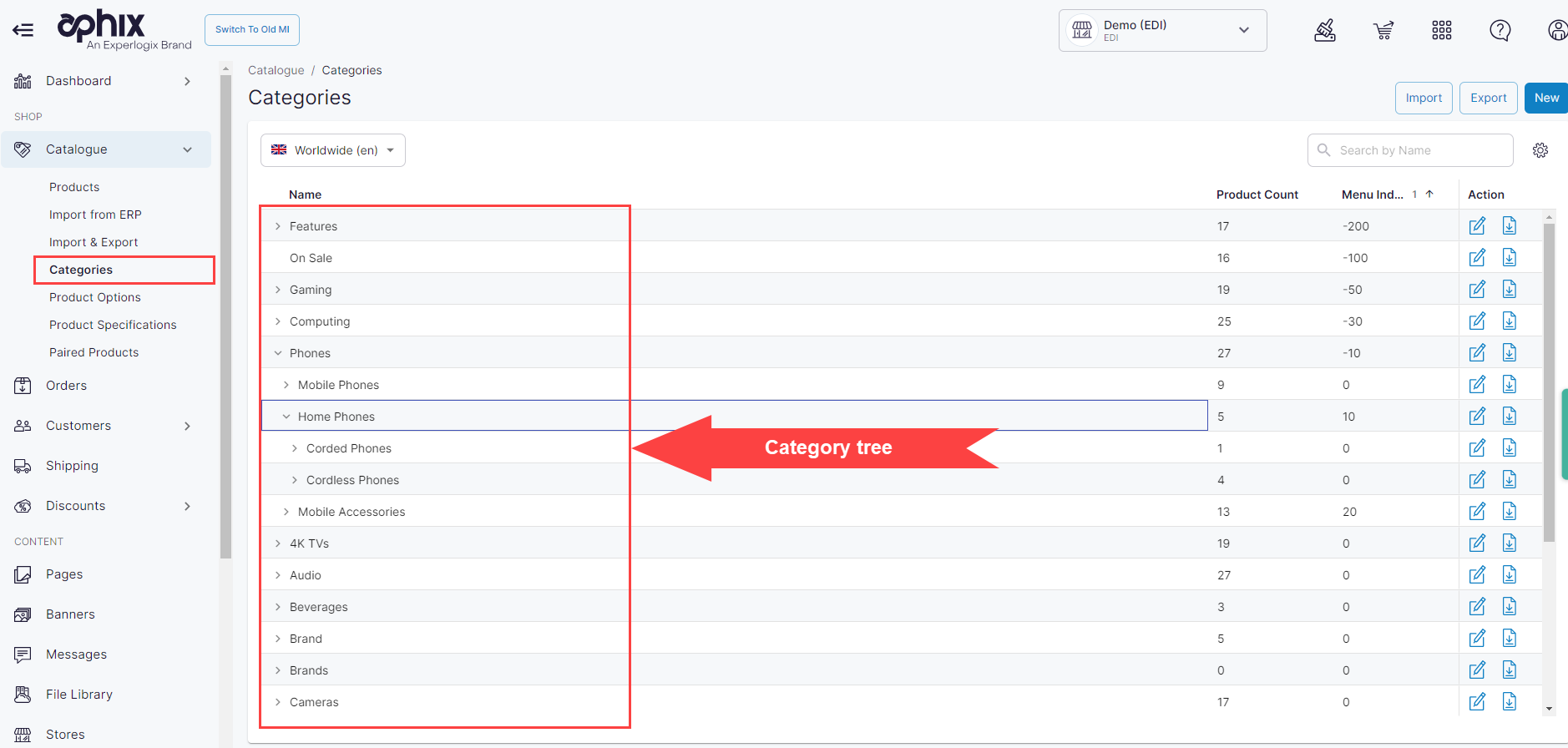
Click Categories on the left hand menu. This opens the category listing screen, from where you can curate your categories.
Action 1: Create a category
Create
-
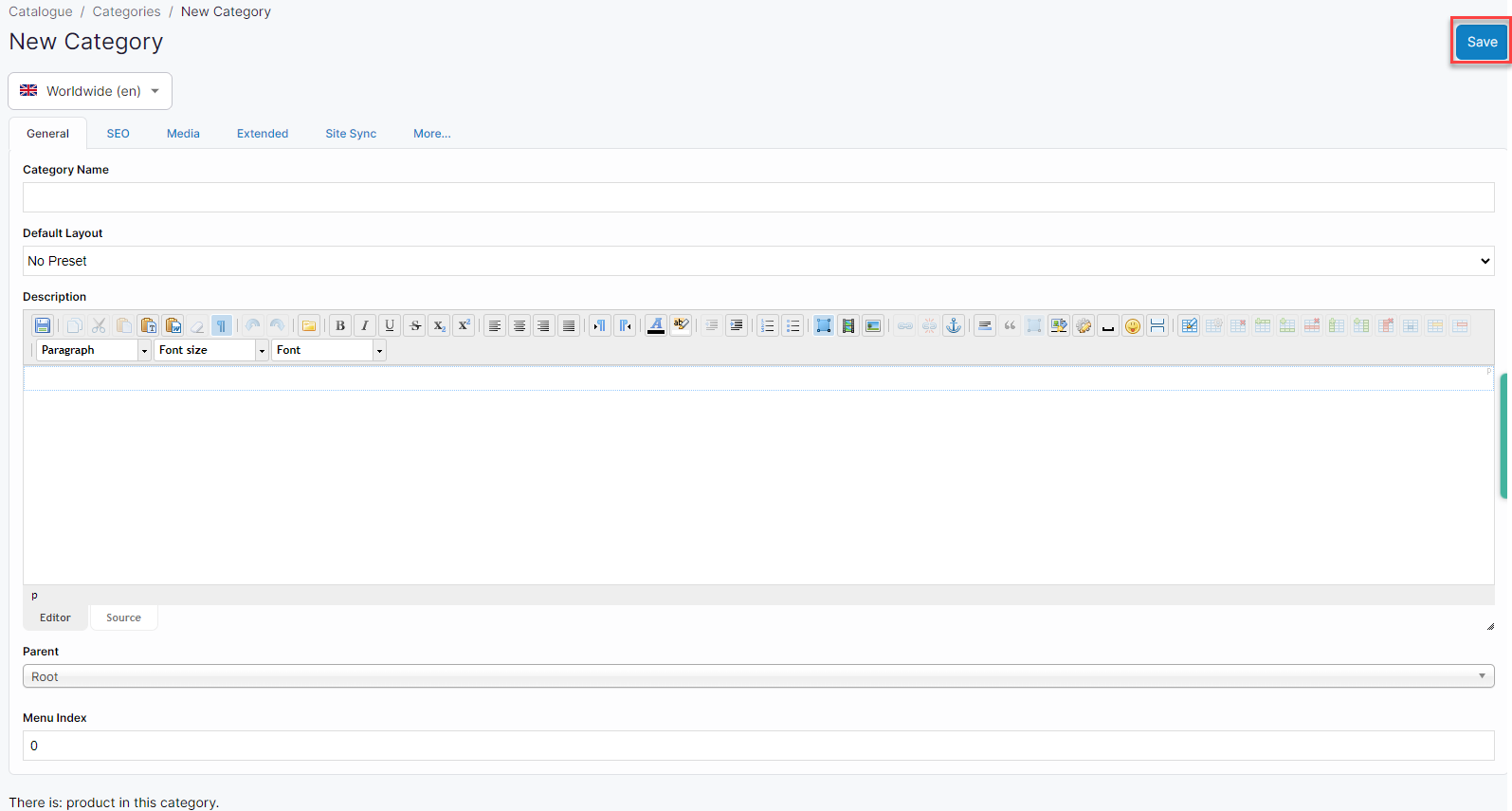
Click New in the top right of the screen. This opens the new category screen.
-
Complete the tabs with category information, as required. See Understanding category management in WebShop for information on the content of each tabs.
-
Click Save.
Changes are saved and applied to your WebShop immediately.
Action 2: Update an existing category
Update
-
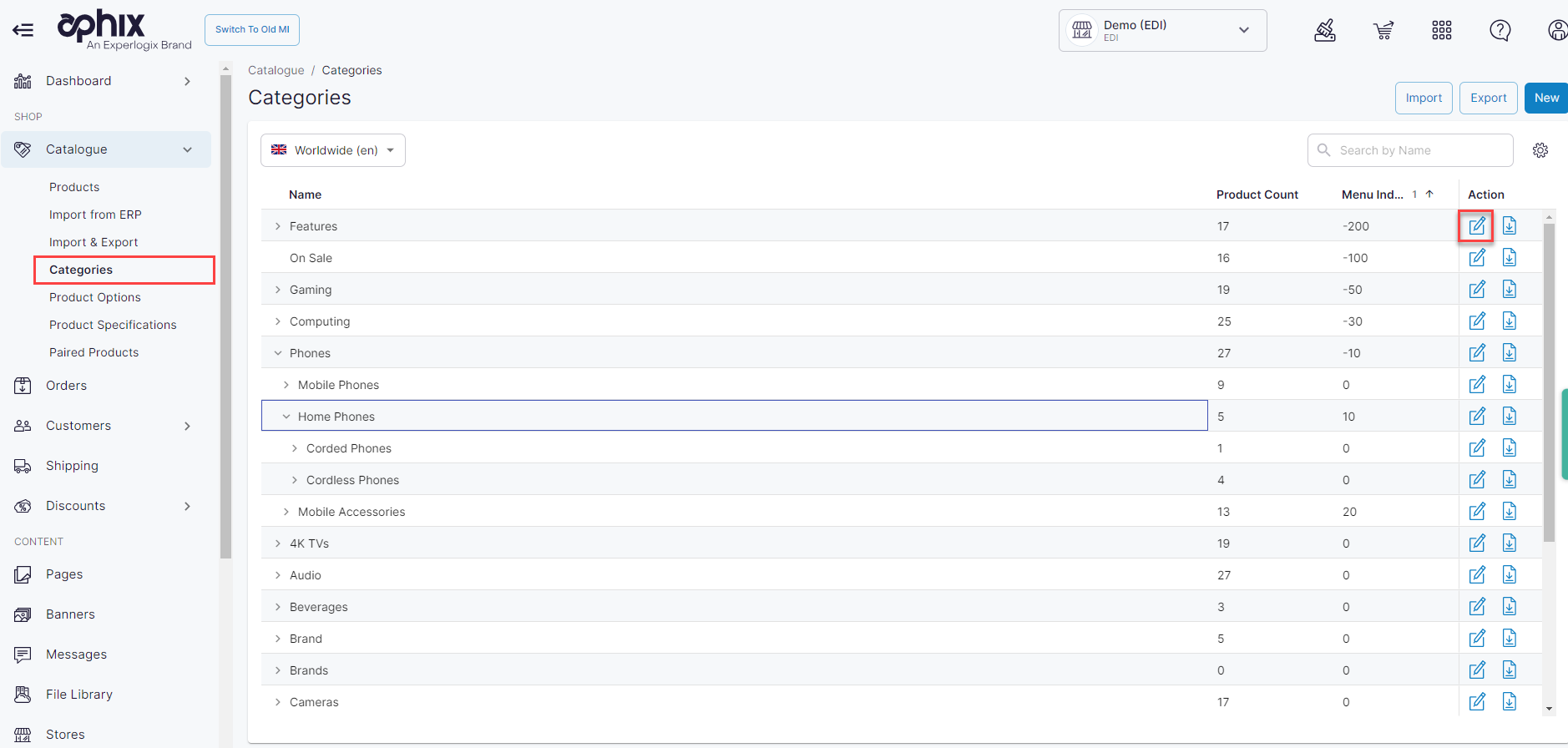
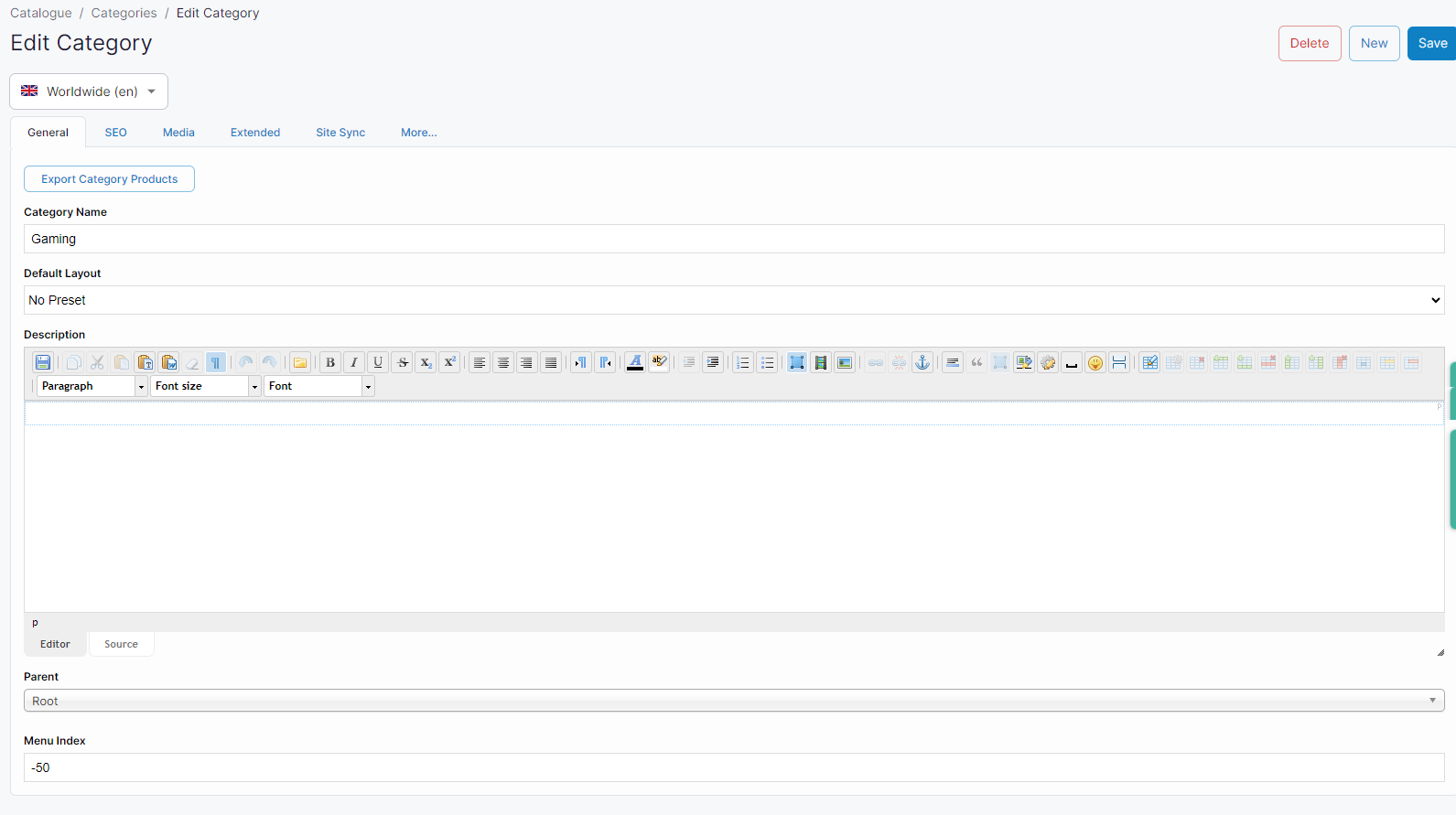
Click the edit icon to the right of the category you wish to open. This opens the category management configuration tool.
-
Update category information under each tab, as required. See Understanding category management in WebShop for information on the content of each tabs.
-
Click Save.
Changes are saved and applied to your WebShop immediately.
Action 3: Delete a category
Delete
-
Click the edit icon to the right of the category you wish to open. This opens the category management configuration tool.
-
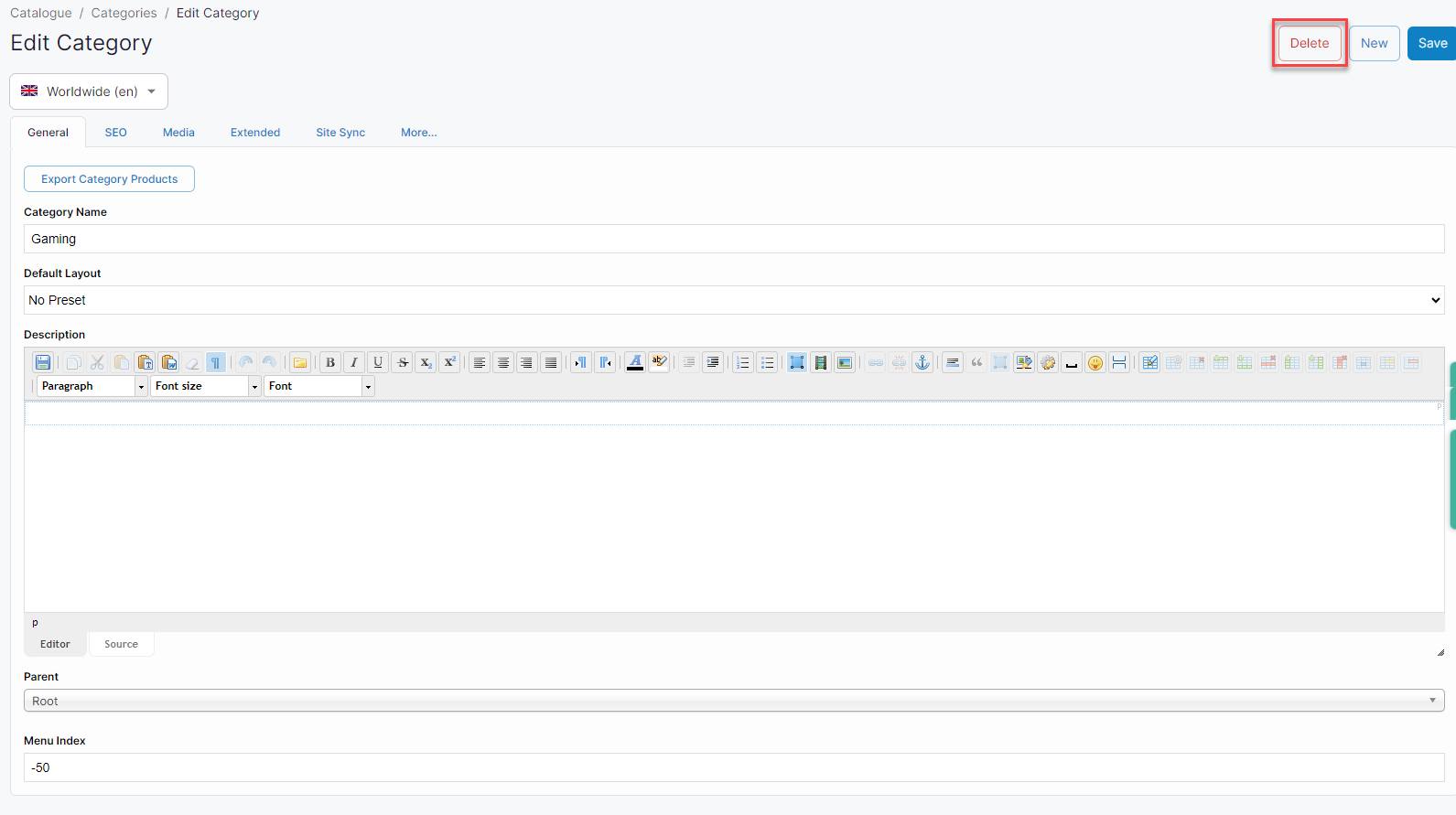
Click Delete to delete the category. You are prompted to verify you wish to delete the category as the deletion can not be undone.
-
Click OK to confirm your selection. The category is deleted immediately.
Remember
-
Changes are saved and applied to your WebShop immediately.
-
Only delete a category once you have moved all products to a different category. It is difficult to locate products once the category has been deleted.
-
Change the product's status to Invisible and remove them from the category if you do not wish to display these products. If the product's status is not changed to Invisible, it may appear in a customer's searches.